Display
Projector or TV
Power and select the correct input on supported displays.
One app. Fewer remotes.
Coordinate supported projectors, TVs, AV receivers, Apple TV and room lighting from one DOM-OS interface—from compatible budget devices to luxury AV and lighting brands.
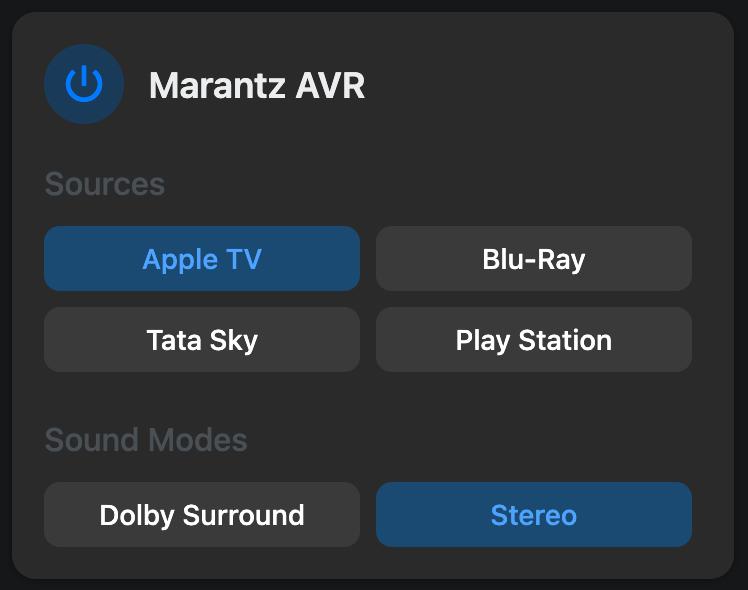
A home theatre often needs the right source, receiver input, display state, volume and lighting. DOM-OS brings supported equipment into one control flow.
Display
Power and select the correct input on supported displays.
Sound
Coordinate source switching, volume and sound modes on supported AVRs.
Content
Open supported sources and launch Apple TV apps directly from DOM-OS.
Ambience
Include compatible dimming and curtains in movie and intermission scenes.
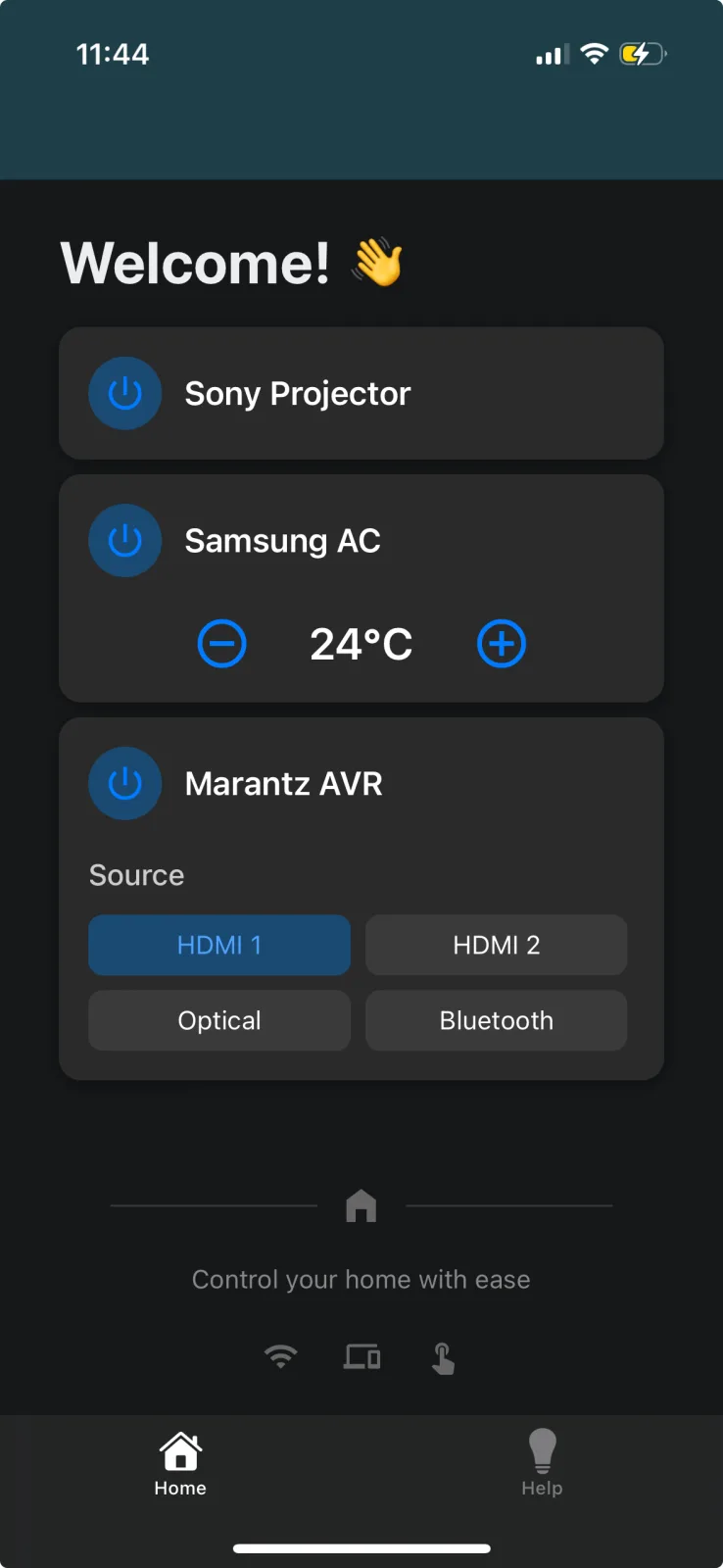
The goal is not another complicated control panel. It is a predictable Android or iOS interface, plus supported voice control, for the actions your household uses most.
DOM-OS can bridge compatible budget IR equipment and premium IP or wired systems. Compatibility depends on the exact model and available IP, serial, HDMI-CEC or IR control, so confirm models before buying.
| Category | Examples shown in the DOM-OS ecosystem | Typical controls |
|---|---|---|
| Streaming | Apple TV | Navigation, playback and direct app launch |
| AV receivers | Denon, Marantz, Anthem | Power, source, volume and supported sound modes |
| Smart TVs | LG webOS, Samsung, Android TV / Fire TV | Power, navigation, volume and supported app controls |
| Set-top boxes | Tata Play and compatible IR devices such as Jio set-top boxes | Channel, navigation and playback controls |
| Media players | Zidoo and compatible IR media players | Power, navigation and playback controls |
| Projectors | Sony, BenQ, LG, Optoma, Epson, PJLink and compatible IR models | Power and input selection |
New theatre
Share the proposed projector, screen, AVR, sources, lighting and rack location early. Control requirements can then be coordinated with electrical, network and AV work.
Existing theatre
DOM-OS can assess compatible equipment already in the room, including network-controlled and IR devices, before recommending replacements.
Depending on model compatibility, it can coordinate the TV or projector, AV receiver, streaming player or set-top box, lighting and motorised curtains. DOM-OS groups commonly used actions into one interface.
Often, yes. We need the exact model numbers and connection layout to check whether each device supports IP, serial, HDMI-CEC or IR control.
Direct Apple TV app launch is a DOM-OS feature for supported setups, allowing frequently used streaming apps to be opened from the DOM-OS interface.
No. You pay a one-time charge for the controller setup and integrations. The Android/iOS app, local control and worldwide remote access are included without an annual DOM-OS fee.
Yes. Local DOM-OS control continues over your home network during an internet outage. An internet connection is required for online streaming services and when you control the system remotely from elsewhere.
This page covers automation and control. Confirm acoustic treatment, speaker layout, seating and equipment-supply requirements during consultation so the project scope is clear.
Send the model numbers for your display, AVR and sources. We’ll start with compatibility and the controls you use most.